Proof frame
Validate the rollout path before you widen it.
The install route should feel like an operating manual for one governed pilot. Use the same visual sequence the buyer sees elsewhere on the site: install, configure, run, and verify.
Install guide
This guide is for the current launch-state product posture: a narrow HubSpot rollout tied to one governed internal handoff, request, or record-update workflow.
Proof frame
The install route should feel like an operating manual for one governed pilot. Use the same visual sequence the buyer sees elsewhere on the site: install, configure, run, and verify.
Install sequence
Native Intake should be installed and introduced in the same order the product teaches on the site: install, configure, run, and verify.
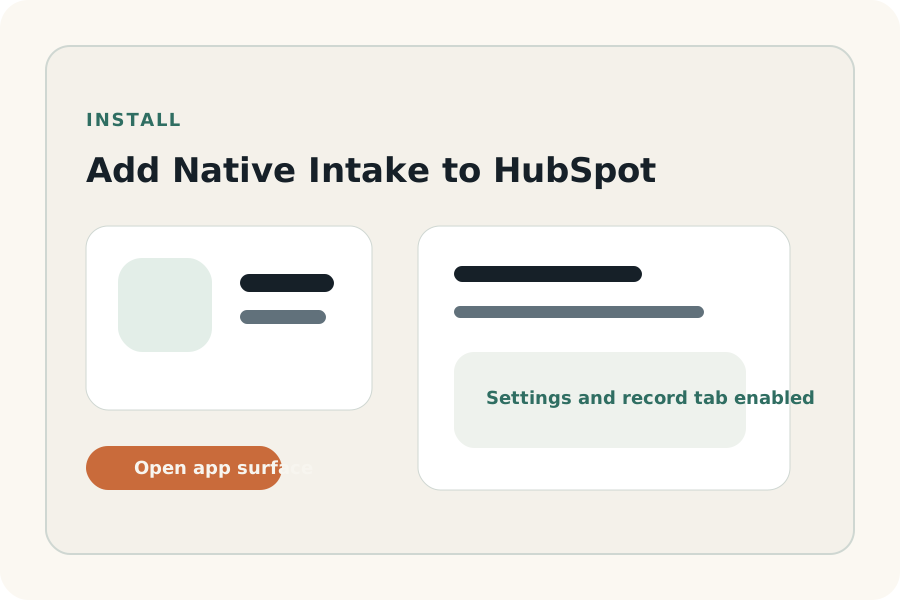
Add Native Intake in HubSpot and enter the dedicated settings surface rather than treating the product like a detached external form tool.
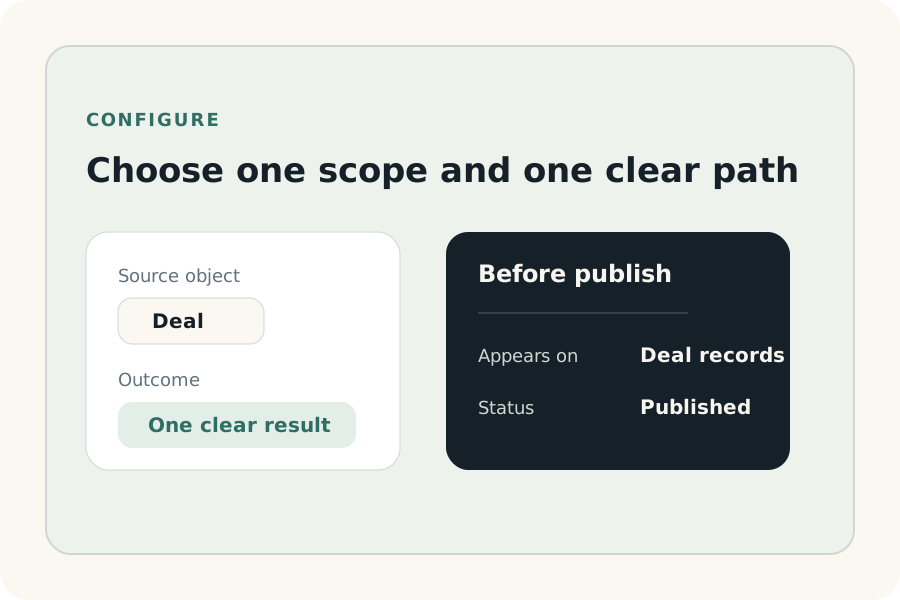
Choose the record type, align the guided fields to the workflow, set one explicit intended outcome, and keep the first rollout inside the selected launch package limits.
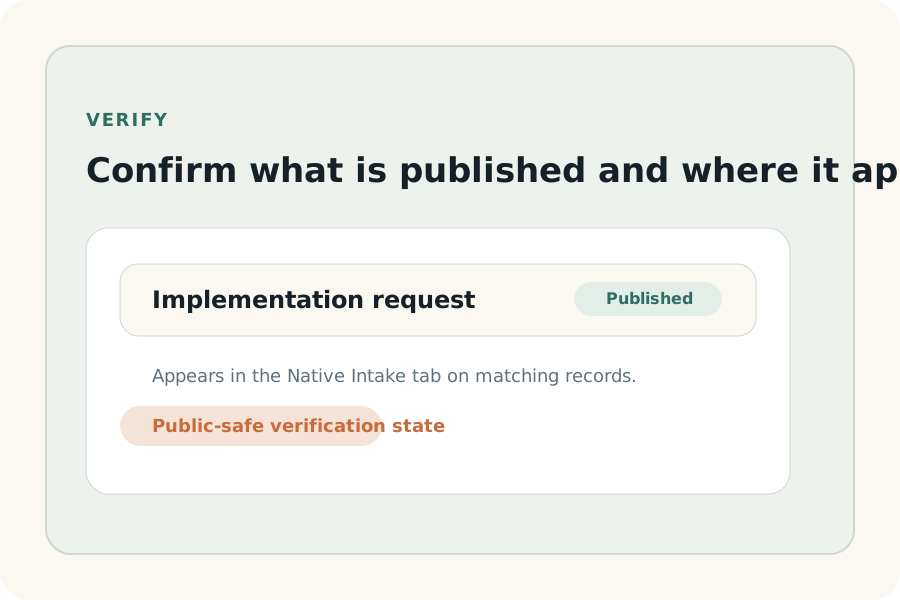
Check publish state and runtime placement so the team knows exactly which records should show the intake before you introduce it more broadly.
Launch sequence visuals
This page now uses the same public-safe storyboard sequence as the marketplace and homepage proof surfaces, so the install story reads as one governed operating path instead of disconnected instructions.
01
Confirm the portal is connected, the app is installed, and the admin owner knows the next setup step.
02
Create one draft, choose one record type, and keep the intended submission outcome explicit before publish.
03
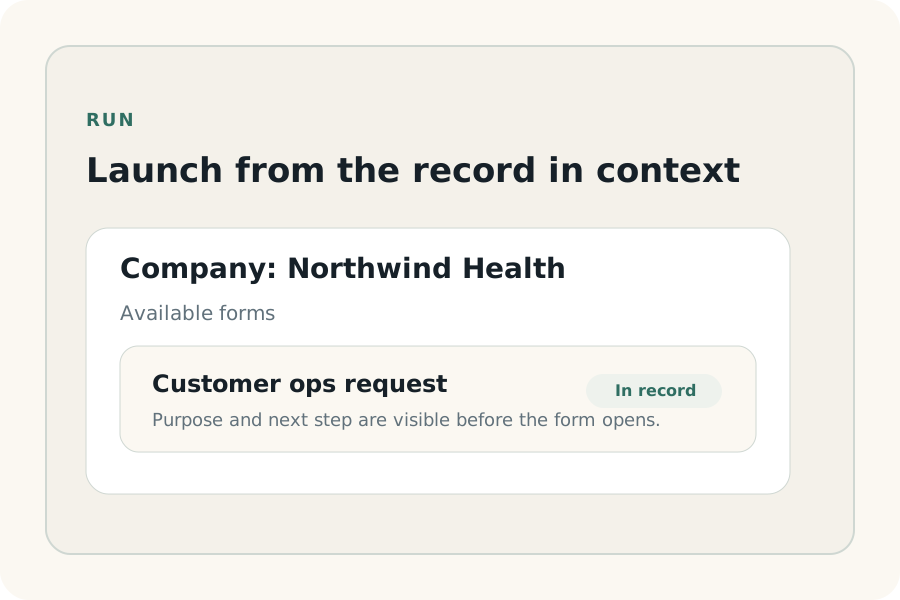
Launch the live intake from the HubSpot record instead of sending teams to notes, side messages, or an external form.
04
Review publish state and placement before introducing the workflow to a wider team.
Launch package truth
The first install should stay inside the same package definitions used on pricing, marketplace, and support surfaces so the admin is not forced to reinterpret limits after setup begins.
Free
Best fit for one admin proving one repeatable workflow.
Documentation-first support
Growth
Best fit for one SMB team standardizing several handoffs.
Standard support
Pro
Best fit for lower mid-market, agency-managed, or higher-support rollout.
Priority triage and guided rollout support
After install
The first week with Native Intake should confirm that the configured path is understandable and supportable for the team using it.
Run one internal test on the target record type before wider rollout.
Confirm the workflow still fits one portal and the chosen package caps before adding more demand.
Document who owns edits to the intake configuration.
Use the trust docs when new stakeholders ask for broader claims than the launch state supports.
Disconnect and uninstall
Because Native Intake governs a live request path inside HubSpot, disconnect and uninstall change how the team starts that work. Treat removal like a workflow decision, not just a technical cleanup step.
Uninstall or disconnect only after confirming which team currently depends on the intake path.
Treat removal as an operating change, not just a technical toggle, because the governed request path disappears with it.
If the customer is evaluating fit rather than expanding usage, prefer pausing rollout and documenting the outcome over silent removal.