Support proof
Keep the support lane smaller than the promise.
The support page now uses the same dossier shell as the other utility docs, with a compact route map and a direct proof frame tied to the public asset set.
Support
The support surface exists to help a careful buyer or operator install Native Intake, understand the launch-state trust boundary, and pull the current marketplace-facing assets without chasing internal project notes.
Support proof
The support page now uses the same dossier shell as the other utility docs, with a compact route map and a direct proof frame tied to the public asset set.
Support docs
These routes split install, proof boundary, and buyer-facing trust so support and growth can answer the next question without sending people back into project artifacts.
Install guide
Review the setup sequence, the required admin decisions, and the rollout checks to complete before wider use.
Read install guideTrust docs
Use the trust docs to understand supported placements, admin control, and which claims stay out of public-facing copy until validation closes.
Read trust docsTrust page
The marketing trust page stays focused on scope clarity and rollout posture for evaluators who do not need the fuller operational doc set.
Review trust pagePackage policy
Support, marketplace, and onboarding surfaces should use one shared definition set and one support-lane map so buyers do not hear a different commercial story after install.
Active intake
Count only published intakes that are available for real use in the installed HubSpot portal.
Submission
Count successful submissions against the installed portal's monthly total rather than per user or per form draft.
Portal
Launch packaging assumes one subscription maps to one installed HubSpot portal by default.
Asset exports
These asset links point to the current public-safe sources already served by the site. Use them to review, export, or hand off the marketplace-facing packaging without hunting through the repo.
Social preview
Use the checked-in social card source when the site or listing needs the current launch-safe product framing.
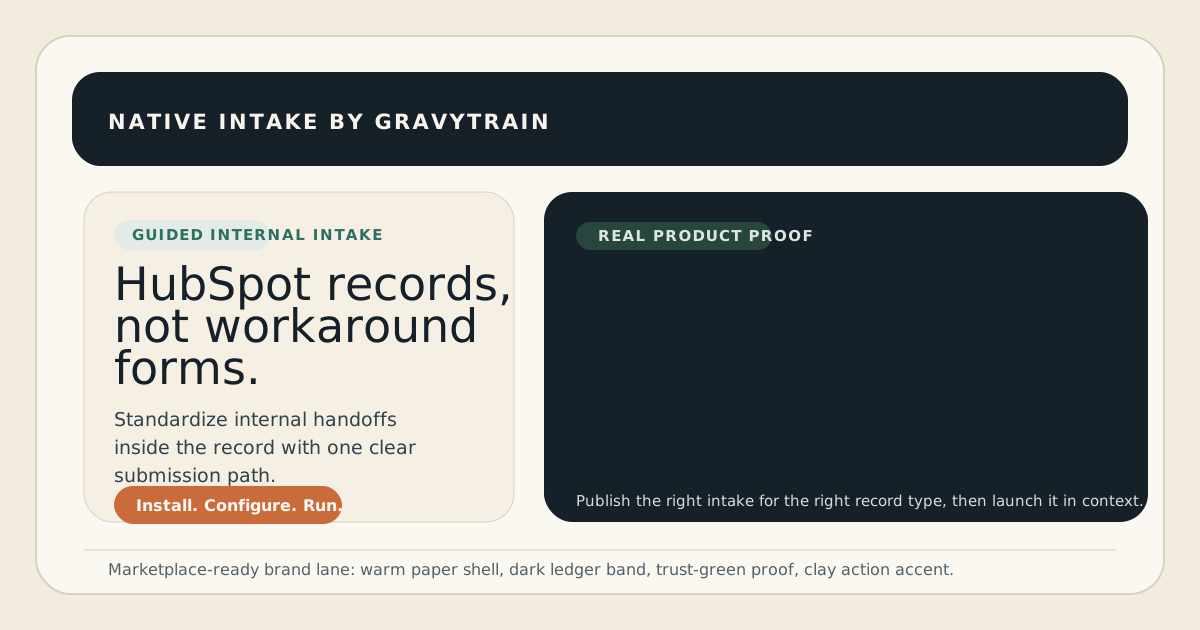
Primary social-preview source. Keep the runtime crop dominant and preserve the approved launch framing.
Open social-card.svgMarketplace icon
Use the approved icon source for HubSpot listing submission and export the marketplace-ready raster from this file.
Export a PNG at 800 x 800 for HubSpot submission. Do not add text or a wordmark.
Open marketplace icon SVGReview board
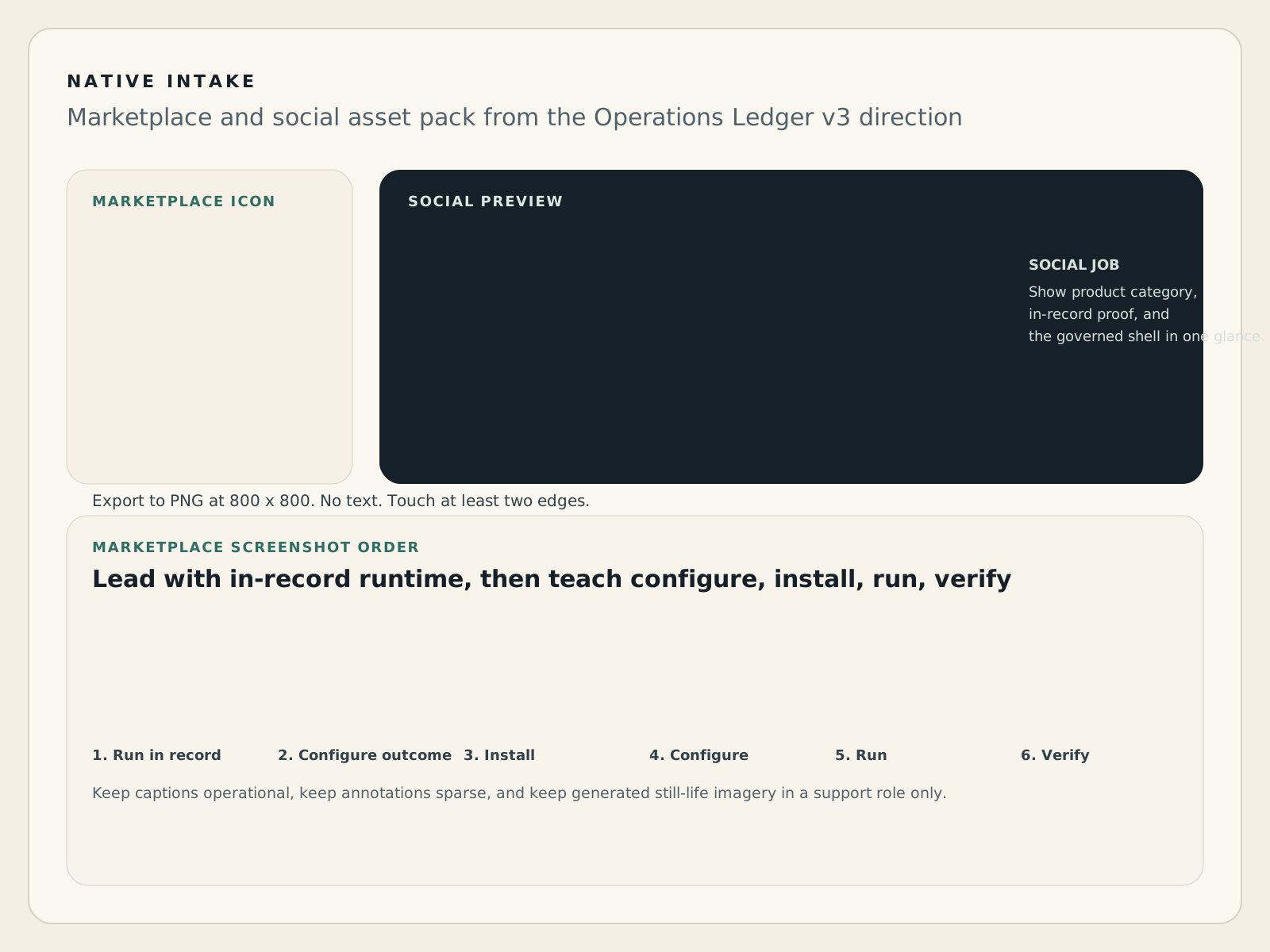
Use the review board to keep the screenshot order, caption intent, and supporting still-life usage aligned with the approved launch packaging system.
Use as the packaging reference for listing screenshots, icon export, and social preview updates.
Open asset-pack boardAsset preview
These previews make the marketplace pack reviewable on the live site itself, so board feedback can react to the actual public packaging instead of separate files passed around in isolation.
Gallery slot 1
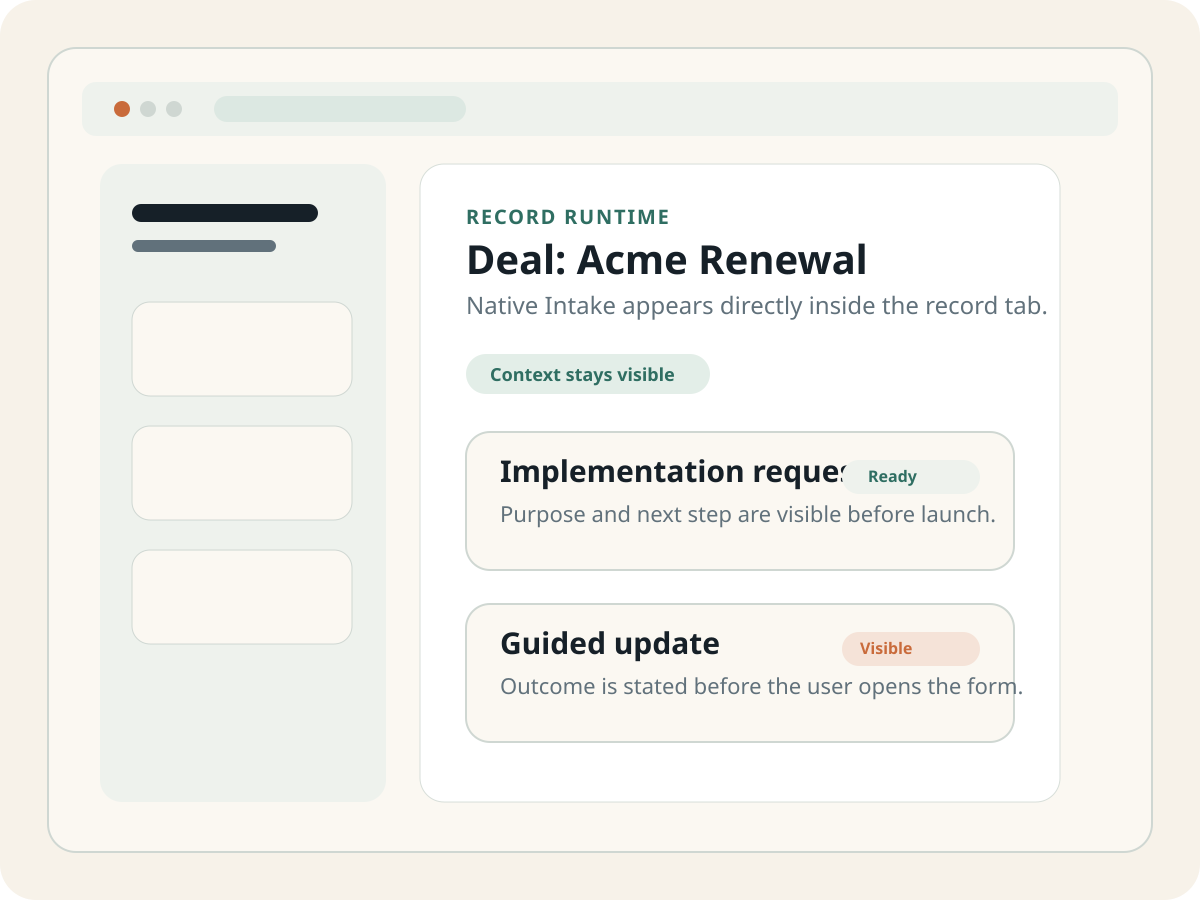
Lead with native placement so reviewers understand immediately that the product runs inside the HubSpot record.
Gallery slot 2
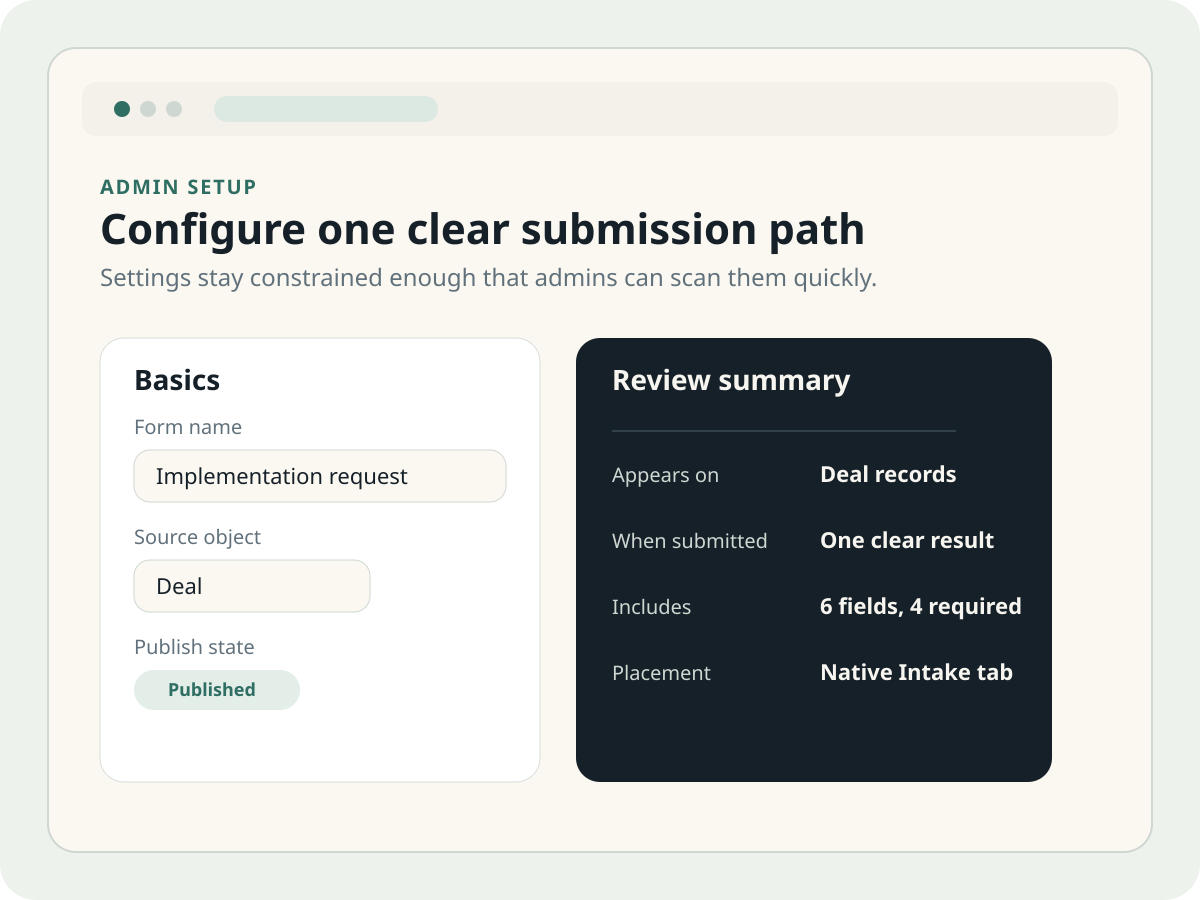
Follow with the settings proof that shows scope, outcome choice, and publish clarity.
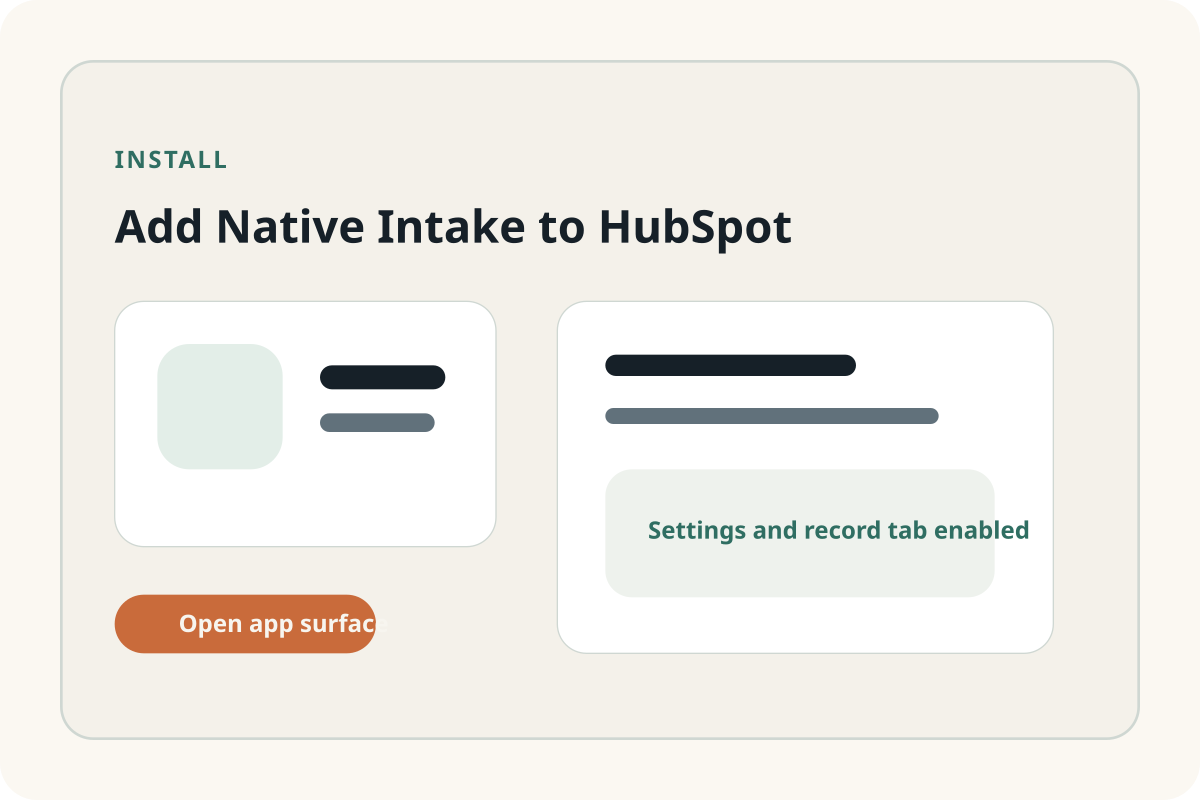
Gallery slot 3
Keep the install/start posture concrete and narrow so the public package stays operational rather than aspirational.